> For the complete documentation index, see [llms.txt](https://help.felt.com/llms.txt). Markdown versions of documentation pages are available by appending `.md` to page URLs; this page is available as [Markdown](https://help.felt.com/getting-started/readme.md).

# Welcome

Learn to make maps, work with data, and share results in Felt.

Welcome to Felt's help center. Explore step-by-step guides, browse by topic, or search for an answer to your question.

## Get started

Build your first map with Felt AI. Add data, style your map, and learn the tools as you go.

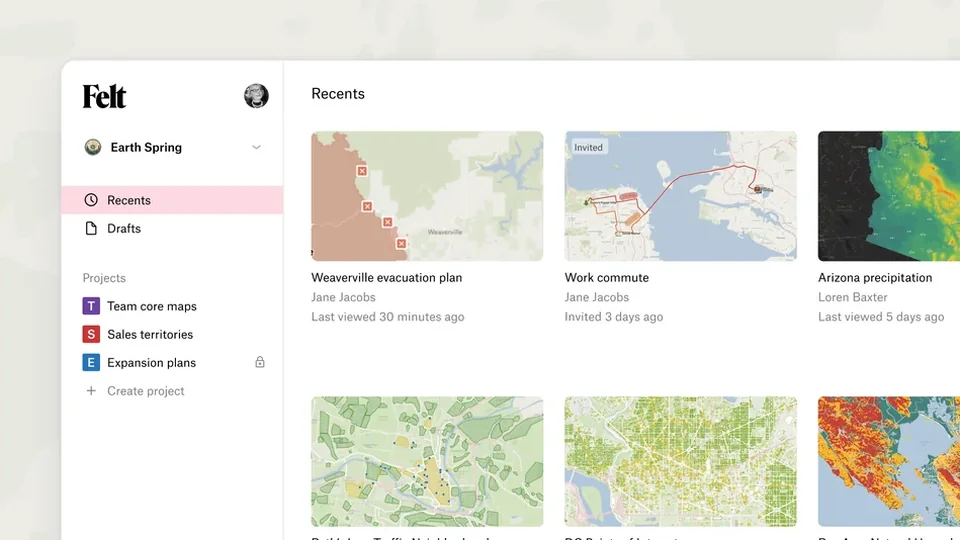
<table data-view="cards"><thead><tr><th></th><th data-hidden data-card-cover data-type="files"></th><th data-hidden data-card-target data-type="content-ref"></th></tr></thead><tbody><tr><td><strong>What is Felt?</strong><br>Learn what Felt is and what you can do with it.</td><td><a href="https://217108486-files.gitbook.io/~/files/v0/b/gitbook-x-prod.appspot.com/o/spaces%2FmRfGitkyjOEMvVsEyGWN%2Fuploads%2Fgit-blob-b4302f9059cfde544c752ae6b636ec5aec5b3cf2%2Fcover-what-is-felt.webp?alt=media">cover-what-is-felt.webp</a></td><td><a href="/getting-started/what-is-felt.md">What is Felt?</a></td></tr><tr><td><strong>Create your first map</strong><br>Build with Felt AI, learn the controls, and share your map.</td><td><a href="https://217108486-files.gitbook.io/~/files/v0/b/gitbook-x-prod.appspot.com/o/spaces%2FmRfGitkyjOEMvVsEyGWN%2Fuploads%2Fgit-blob-94913b49fa5c5cd3d95ab37bc0be14544b6925bb%2Fcover-create-your-first-map.webp?alt=media">cover-create-your-first-map.webp</a></td><td><a href="/getting-started/create-your-first-map.md">Create your first map</a></td></tr><tr><td><strong>Tour the interface</strong><br>Find your way around the workspace home page and the map.</td><td><a href="https://217108486-files.gitbook.io/~/files/v0/b/gitbook-x-prod.appspot.com/o/spaces%2FmRfGitkyjOEMvVsEyGWN%2Fuploads%2Fgit-blob-0917227c96b84102040971d5cb59fd72e94bcfec%2Fcover-tour-the-interface.webp?alt=media">cover-tour-the-interface.webp</a></td><td><a href="/getting-started/tour-the-interface.md">Tour the interface</a></td></tr></tbody></table>

## Browse by topic

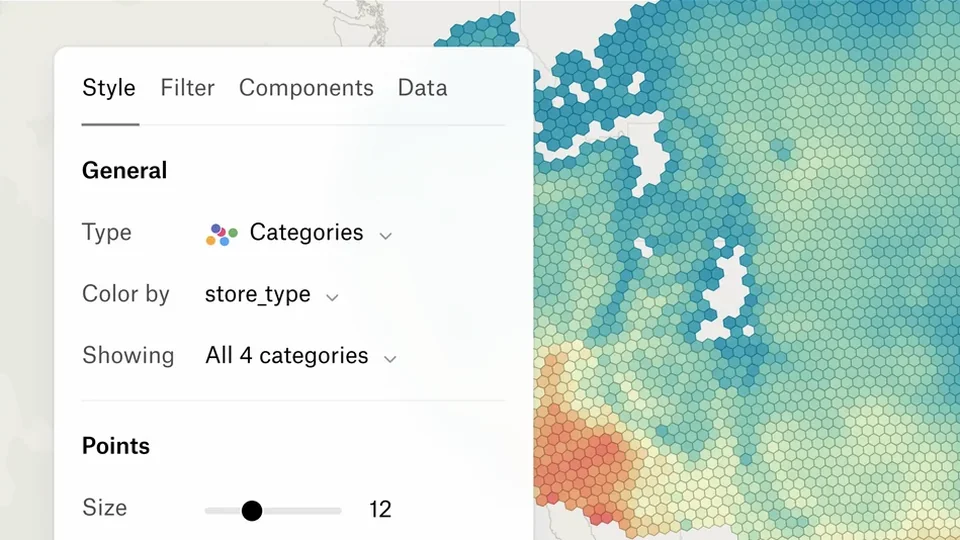
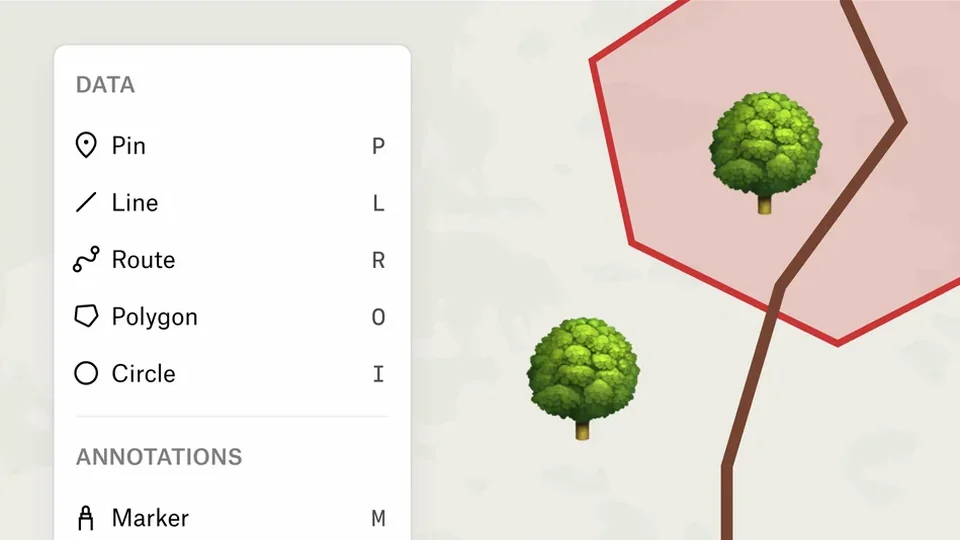
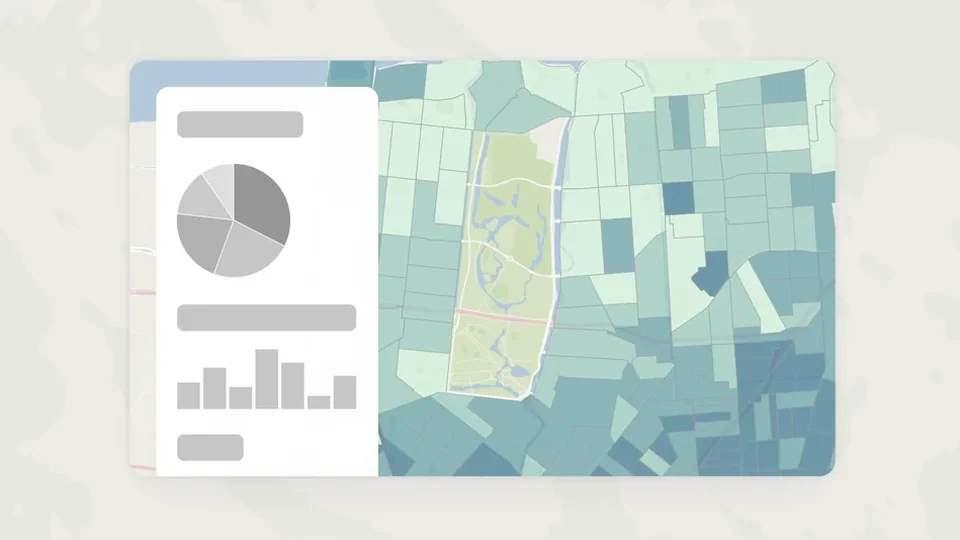
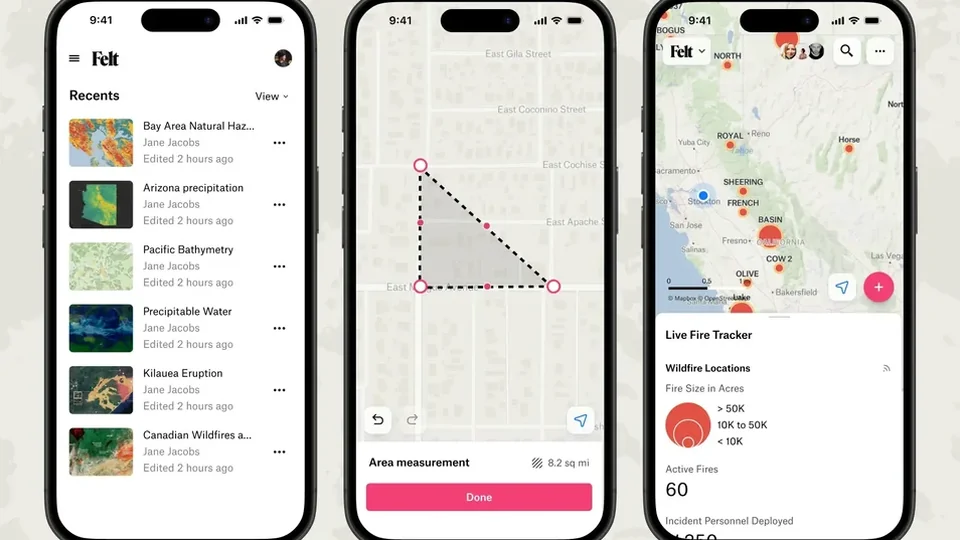
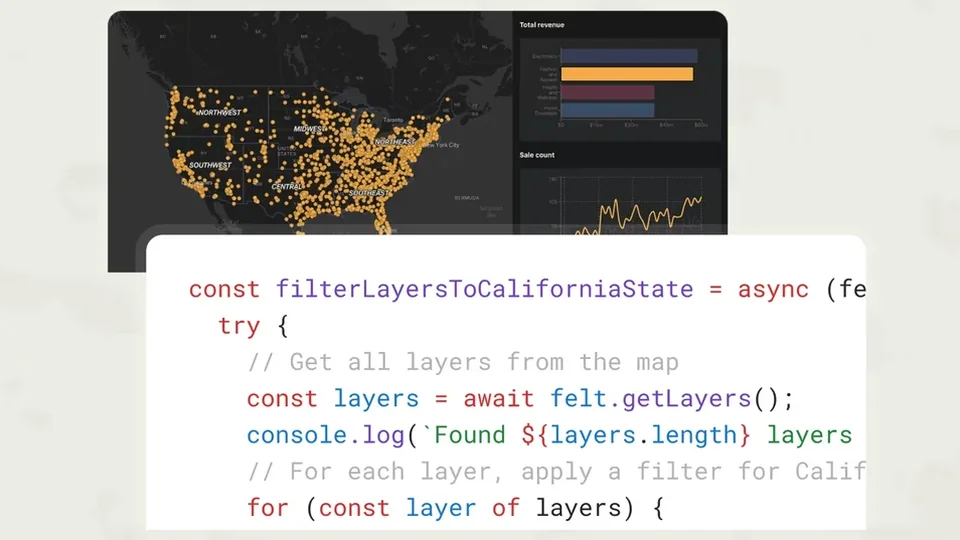
<table data-view="cards"><thead><tr><th></th><th data-hidden data-card-cover data-type="image">Cover image</th><th data-hidden data-card-target data-type="content-ref"></th></tr></thead><tbody><tr><td><strong>Felt AI</strong><br>Find data, run analysis, and style maps by asking in plain language.</td><td data-object-fit="cover"><a href="https://217108486-files.gitbook.io/~/files/v0/b/gitbook-x-prod.appspot.com/o/spaces%2FmRfGitkyjOEMvVsEyGWN%2Fuploads%2Fgit-blob-6f401c5ae0a24760bd763077ee69f5ceb17b9e30%2Fcover-felt-ai.webp?alt=media">cover-felt-ai.webp</a></td><td><a href="/felt-ai/ai-assistant.md">AI assistant</a></td></tr><tr><td><strong>Maps</strong><br>Navigate maps, undo changes, and organize maps in projects.</td><td><a href="https://217108486-files.gitbook.io/~/files/v0/b/gitbook-x-prod.appspot.com/o/spaces%2FmRfGitkyjOEMvVsEyGWN%2Fuploads%2Fgit-blob-c05a9c927322e43d3f50c55a59e727f368f4cd10%2Fcover-maps.webp?alt=media">cover-maps.webp</a></td><td><a href="/maps/navigate-the-map.md">Navigate the map</a></td></tr><tr><td><p><strong>Upload Anything</strong></p><p>Upload files, add data from a URL, or connect a data source.</p></td><td><a href="https://217108486-files.gitbook.io/~/files/v0/b/gitbook-x-prod.appspot.com/o/spaces%2FmRfGitkyjOEMvVsEyGWN%2Fuploads%2Fgit-blob-7e10a83561e9462d9b2caf80fd6a1bf903801114%2Fcover-upload-anything.webp?alt=media">cover-upload-anything.webp</a></td><td><a href="/upload-anything/files.md">Upload files</a></td></tr><tr><td><strong>Layers</strong><br>Read the legend, organize and filter layers, and create and edit features.</td><td><a href="https://217108486-files.gitbook.io/~/files/v0/b/gitbook-x-prod.appspot.com/o/spaces%2FmRfGitkyjOEMvVsEyGWN%2Fuploads%2Fgit-blob-3cf37674a6b69b7f2942c7129a179865d7c65144%2Fcover-layers.webp?alt=media">cover-layers.webp</a></td><td><a href="/layers/legend.md">Legend</a></td></tr><tr><td><strong>Tools</strong><br>Search, view the table, measure, and compare.</td><td><a href="https://217108486-files.gitbook.io/~/files/v0/b/gitbook-x-prod.appspot.com/o/spaces%2FmRfGitkyjOEMvVsEyGWN%2Fuploads%2Fgit-blob-550e9b191df0535610cb054d6b7c64ad244bd718%2Fcover-tools.webp?alt=media">cover-tools.webp</a></td><td><a href="/tools/search.md">Search</a></td></tr><tr><td><strong>Styling</strong><br>Style layers, labels, popups, and basemaps.</td><td><a href="https://217108486-files.gitbook.io/~/files/v0/b/gitbook-x-prod.appspot.com/o/spaces%2FmRfGitkyjOEMvVsEyGWN%2Fuploads%2Fgit-blob-7476249ddb5ad6cf045117759bb096fa10f07163%2Fcover-styling.webp?alt=media">cover-styling.webp</a></td><td><a href="/styling/style-vector-layers.md">Style vector layers</a></td></tr><tr><td><strong>Annotations</strong><br>Draw annotations on your map for added context.</td><td><a href="https://217108486-files.gitbook.io/~/files/v0/b/gitbook-x-prod.appspot.com/o/spaces%2FmRfGitkyjOEMvVsEyGWN%2Fuploads%2Fgit-blob-31a7c97cbaa2bfc9f1aca508c4455611dff49367%2Fcover-annotations.webp?alt=media">cover-annotations.webp</a></td><td><a href="/annotations/draw-on-the-map.md">Draw on the map</a></td></tr><tr><td><strong>Analysis and dashboards</strong><br>Run spatial analysis and build dashboards with charts and filters.</td><td><a href="https://217108486-files.gitbook.io/~/files/v0/b/gitbook-x-prod.appspot.com/o/spaces%2FmRfGitkyjOEMvVsEyGWN%2Fuploads%2Fgit-blob-87edc4c1d640d059145c6fd05d699be2865f45f2%2Fcover-analysis-and-dashboards.webp?alt=media">cover-analysis-and-dashboards.webp</a></td><td><a href="/analysis-and-dashboards/spatial-analysis.md">Spatial analysis</a></td></tr><tr><td><strong>Share</strong><br>Share and embed your maps, and comment on them.</td><td><a href="https://217108486-files.gitbook.io/~/files/v0/b/gitbook-x-prod.appspot.com/o/spaces%2FmRfGitkyjOEMvVsEyGWN%2Fuploads%2Fgit-blob-4aa6b2fcb421ed2a9e50b9e79306a3adfe852b2a%2Fcover-share.webp?alt=media">cover-share.webp</a></td><td><a href="/share/share-a-map.md">Share a map</a></td></tr><tr><td><strong>Export and print</strong><br>Export images, PDFs, and data, and print your maps.</td><td><a href="https://217108486-files.gitbook.io/~/files/v0/b/gitbook-x-prod.appspot.com/o/spaces%2FmRfGitkyjOEMvVsEyGWN%2Fuploads%2Fgit-blob-acc083d5edd6c8ab8ee32686acd1a71b3d922d55%2Fcover-export-and-print.webp?alt=media">cover-export-and-print.webp</a></td><td><a href="/export-and-print/export-an-image-or-pdf.md">Export an image or PDF</a></td></tr><tr><td><strong>Field App</strong><br>Capture field data and work offline with Felt's mobile app for iOS and Android.</td><td data-object-fit="cover"><a href="https://217108486-files.gitbook.io/~/files/v0/b/gitbook-x-prod.appspot.com/o/spaces%2FmRfGitkyjOEMvVsEyGWN%2Fuploads%2Fgit-blob-2f4f3a7e0a6de30a655a891603106cb95ce555c3%2Fcover-field-app.webp?alt=media">cover-field-app.webp</a></td><td><a href="/field-app/set-up-the-field-app.md">Set up the Field App</a></td></tr><tr><td><strong>Developers</strong><br>Build with Felt's APIs and SDKs.</td><td><a href="https://217108486-files.gitbook.io/~/files/v0/b/gitbook-x-prod.appspot.com/o/spaces%2FmRfGitkyjOEMvVsEyGWN%2Fuploads%2Fgit-blob-cc6e67e28d5b1dc8637f7f3e17430d8db2252d70%2Fcover-developers.webp?alt=media">cover-developers.webp</a></td><td><a href="/developers/extensions.md">Extensions</a></td></tr><tr><td><strong>Administration</strong><br>Manage workspaces, members, permissions, SSO, and security.</td><td><a href="https://217108486-files.gitbook.io/~/files/v0/b/gitbook-x-prod.appspot.com/o/spaces%2FmRfGitkyjOEMvVsEyGWN%2Fuploads%2Fgit-blob-7d192a12f3a38acda2e5f0df88634a7511c28535%2Fcover-administration.webp?alt=media">cover-administration.webp</a></td><td><a href="/administration/workspaces.md">Workspaces</a></td></tr><tr><td><strong>Plans and billing</strong><br>Manage billing, seats and viewers, and usage limits.</td><td><a href="https://217108486-files.gitbook.io/~/files/v0/b/gitbook-x-prod.appspot.com/o/spaces%2FmRfGitkyjOEMvVsEyGWN%2Fuploads%2Fgit-blob-20165bbd343c198676bf580a14d339fbad07e21b%2Fcover-plans-and-billing.webp?alt=media">cover-plans-and-billing.webp</a></td><td><a href="/plans-and-billing/billing.md">Billing</a></td></tr></tbody></table>

## Contact support

To contact Felt support, report a bug, or send feedback, email <support@felt.com>. On a map, you can also open the **Felt** menu and click **Help and account** > **Email support** or **Submit feedback**.

## More resources

<table data-header-hidden><thead><tr><th width="219"></th><th></th></tr></thead><tbody><tr><td><a href="https://www.youtube.com/@feltmaps/videos"><strong>YouTube</strong></a></td><td>Tutorials, feature showcases, and walkthroughs.</td></tr><tr><td><a href="https://felt.com/blog"><strong>Blog</strong></a></td><td>Product updates and use cases.</td></tr><tr><td><a href="https://felt.com/gallery"><strong>Gallery</strong></a></td><td>Maps made by the Felt community.</td></tr><tr><td><a href="https://felt.com/blog/building-a-modern-gis-stack-webinar-series"><strong>Webinars</strong></a></td><td>Expert-led training on mapping techniques and product features.</td></tr><tr><td><a href="https://felt.com/customers"><strong>Customer stories</strong></a></td><td>How organizations use Felt to solve real-world problems.</td></tr><tr><td><a href="https://gisfundamentals.felt.com/"><strong>Fundamentals of GIS</strong></a></td><td>Resources for teaching GIS with Felt.</td></tr></tbody></table>


---

# Agent Instructions
This documentation is published with GitBook. GitBook is the documentation platform designed so that both humans and AI agents can read, navigate, and reason over technical content effectively. Learn more at gitbook.com.

## Querying This Documentation
If you need additional information that is not directly available in this page, you can query the documentation dynamically by asking a question.

Perform an HTTP GET request on the current page URL with the `ask` query parameter, and the optional `goal` query parameter:

```
GET https://help.felt.com/getting-started/readme.md?ask=<question>&goal=<endgoal>
```

`ask` is the immediate question: it should be specific, self-contained, and written in natural language.
`goal` is optional and describes the broader end goal you are ultimately trying to accomplish on behalf of the user. GitBook uses it to tailor the answer towards what is most useful for that goal.

The response will contain a direct answer to the question and relevant excerpts and sources from the documentation.

Use this mechanism when the answer is not explicitly present in the current page, you need clarification or additional context, or you want to retrieve related documentation sections.